4×
An SSD reads four times faster than a hard disk
A laptop HDD does 140 MB/s, a SATA SSD 560 MB/s. Swapping the drive is the cheapest way to revive an old laptop.
Source: Seagate, Samsung ↗Choose what you need the laptop for. We tell you how much memory and which processor is enough, and show matching models starting with the cheapest.
Price, processor score and how many are left — all on the card itself.
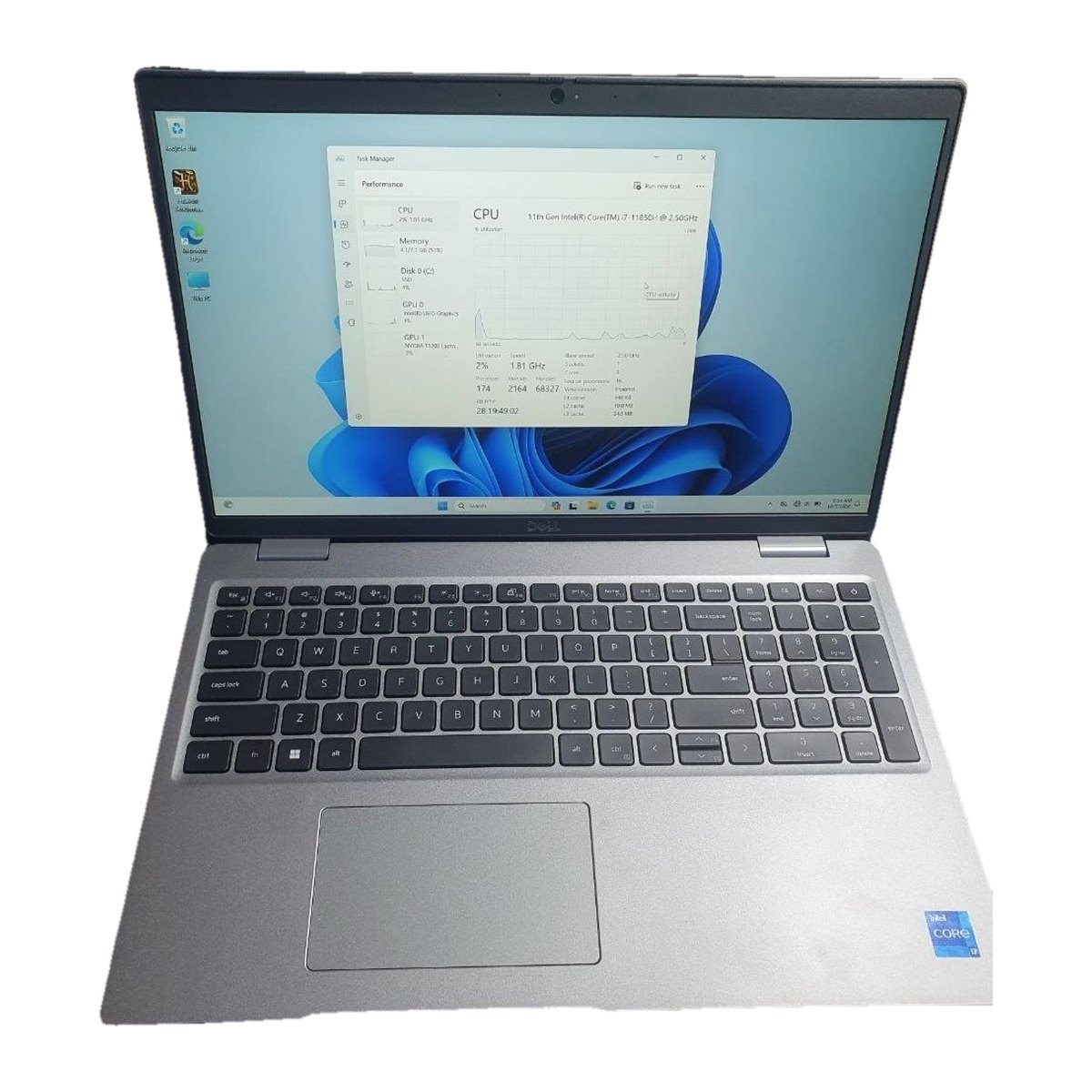
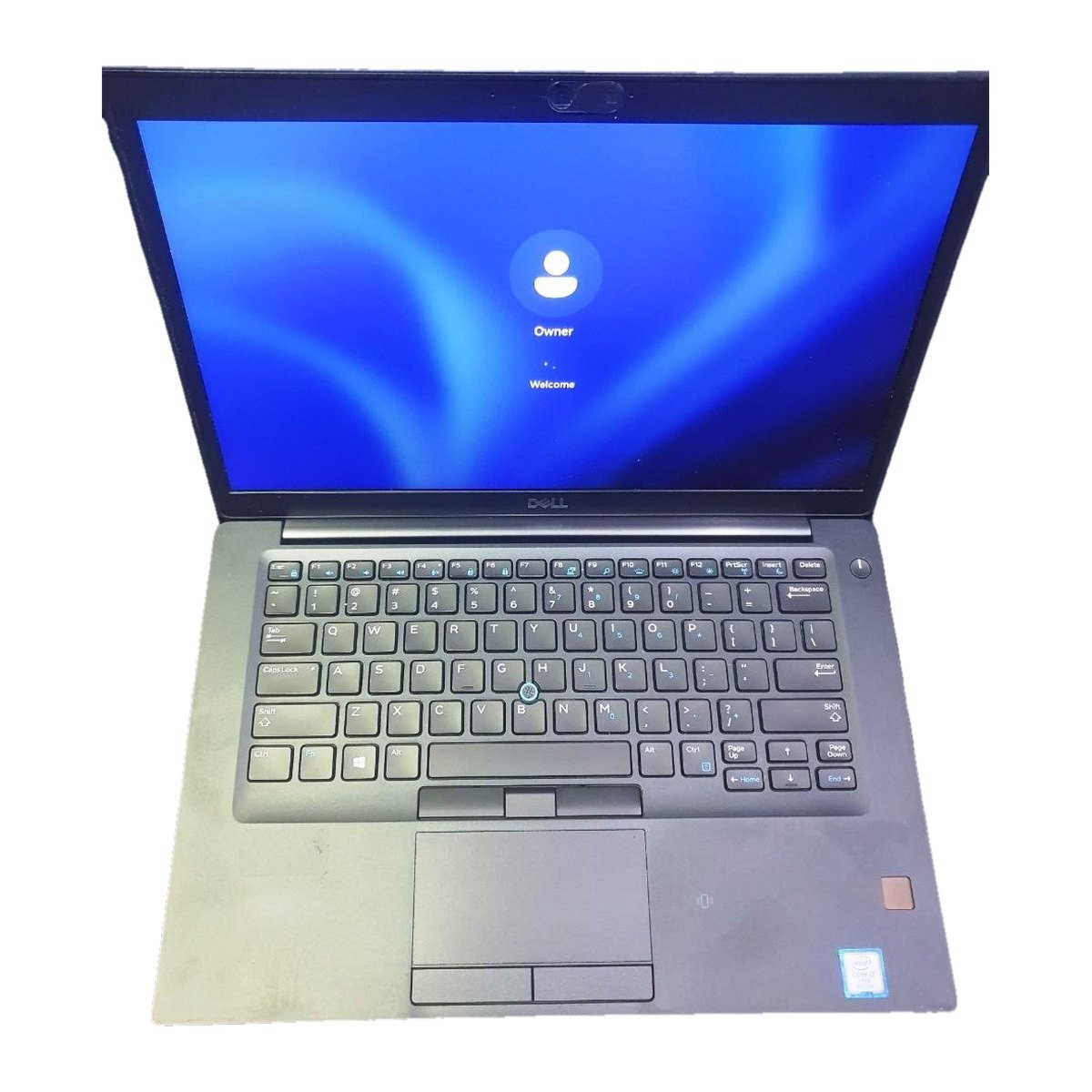
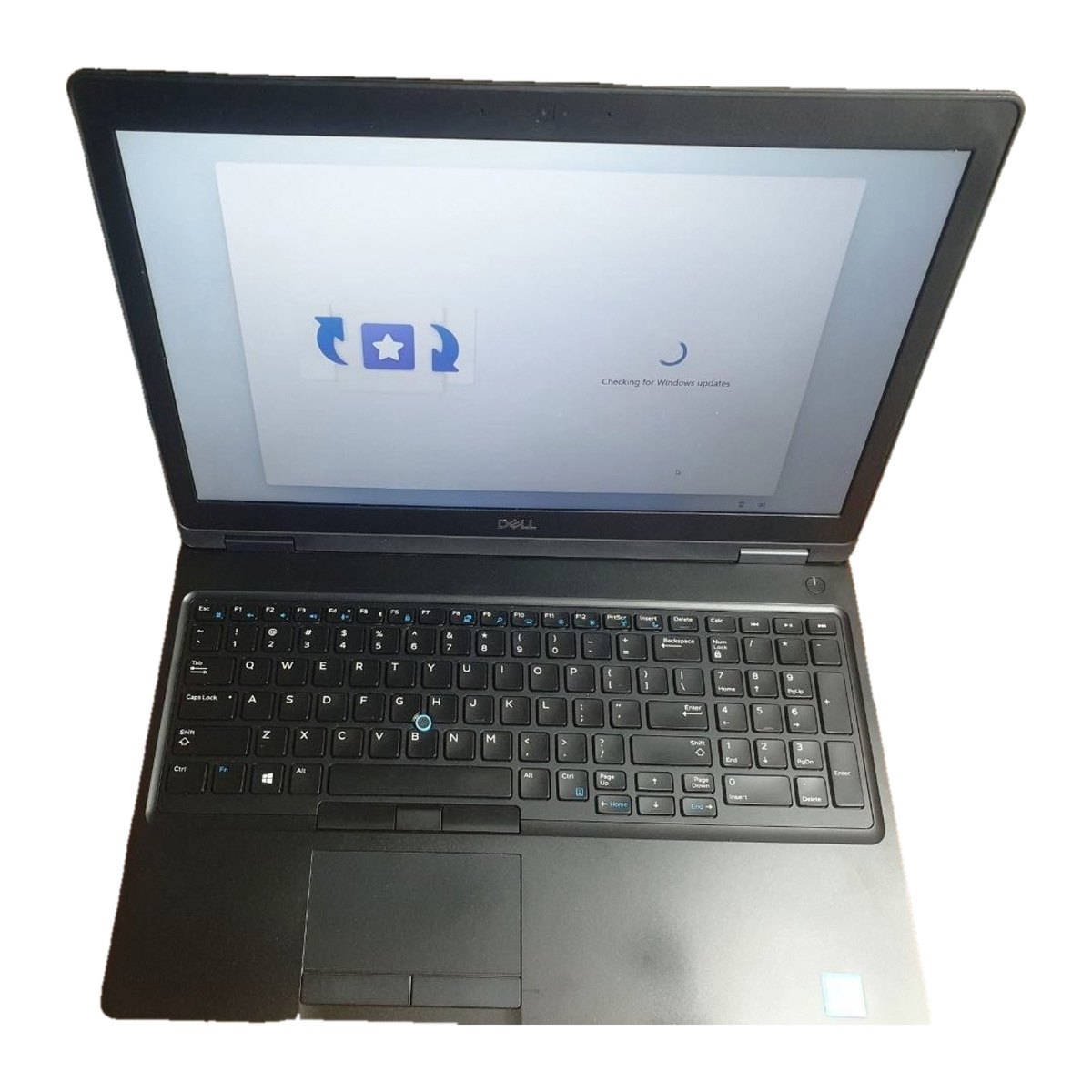
We are the first shop in the region to sell hardware this way: opening it up, measuring it and explaining it. The aim is simple — you know what you are paying for.
Open the laptop on a 3D model: what each part does and which ones can be upgraded later.
No vague “faster”. Processor scores and drive speeds come from public sources, linked next to each number.
Study, office, programming or gaming — we say what is enough and do not make you overpay.
The difference in speed, memory, storage and price, in percent. And which gives more for your money.
New and used hardware are marked separately, condition described openly.
Cleaning, repair and upgrades at our own service centre: surxonservice.uz.
Click a part: what it does, what happens when it is weak, and how many percent an upgrade gives — with the source.
Click a part in the list above or on the 3D model itself. We show what it does, what happens when it is weak and what an upgrade gives.
Pick two models: we work out the difference in speed, memory, storage and price — and which gives more for your money.
Processor scores: PassMark CPU Mark, as of 2026-10-10. A score is a synthetic test result; in everyday work the difference may be smaller. The other percentages are computed from the laptops’ own figures. cpubenchmark.net
Things sellers rarely mention but that change the choice. The source is next to each one.
A laptop HDD does 140 MB/s, a SATA SSD 560 MB/s. Swapping the drive is the cheapest way to revive an old laptop.
Source: Seagate, Samsung ↗SATA does 560 MB/s, NVMe 3,500 MB/s. If you work with large files, pick a laptop with an M.2 slot.
Source: Samsung ↗Core i3-1315U scores 10,962, Core i7-13620H scores 23,174. Laptops that look the same can be very different inside.
Source: PassMark CPU Mark ↗Two 8 GB sticks instead of one 16 GB: integrated graphics deliver noticeably more frames.
Source: Hardware Secrets ↗That is the standard Apple gives for its laptops. When buying used, ask for the cycle count.
Source: Apple Support ↗But that only gets the system to start. A browser plus office apps need 8 GB; comfortable work needs 16 GB.
Source: Microsoft ↗Find hardware that fits, through the advice by task or in the catalog.
A name and a phone number are enough. Sending a request does not charge you.
We confirm the price and availability and agree the rest with you.
The catalog is growing. We announce every new department on our Telegram channel.
3 products
Assembled system units for home, office and gaming.
Parts for upgrading or repairing desktops and laptops.
Laser and inkjet printers for home and office.
Cartridges, toner and other consumables.
Come to the shop or follow our Telegram channel — every new model is announced there.